Some website services are not working as normal
We're sorry for any problems caused.

If your work device is marked as non-compliant, you may not be able to access some council systems, apps or data until the issue is resolved.
Device compliance helps protect council systems and data. An non-compliant device is potentially a security risk. To be compliant, devices must:
A device may become non-compliant if it has not been used for a while or is missing important security updates.
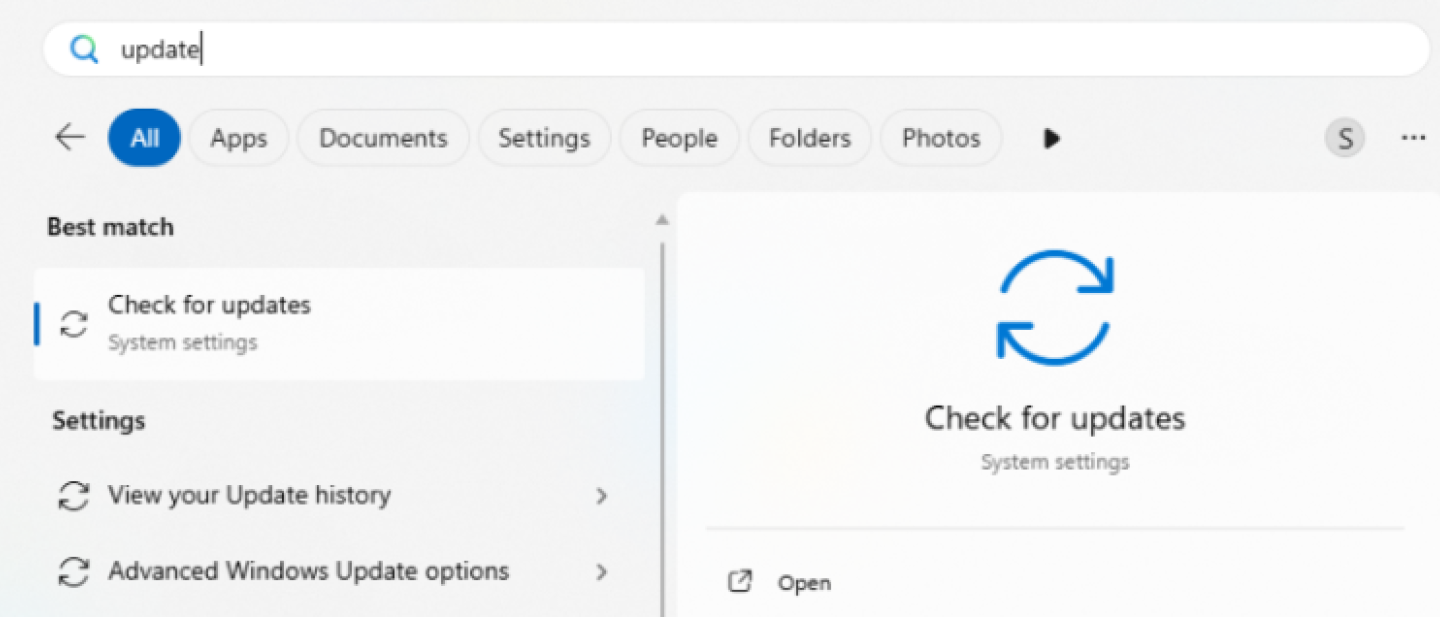
4. After you've installed all updates and your device has restarted, repeat steps 1-3 until there are no more updates waiting.
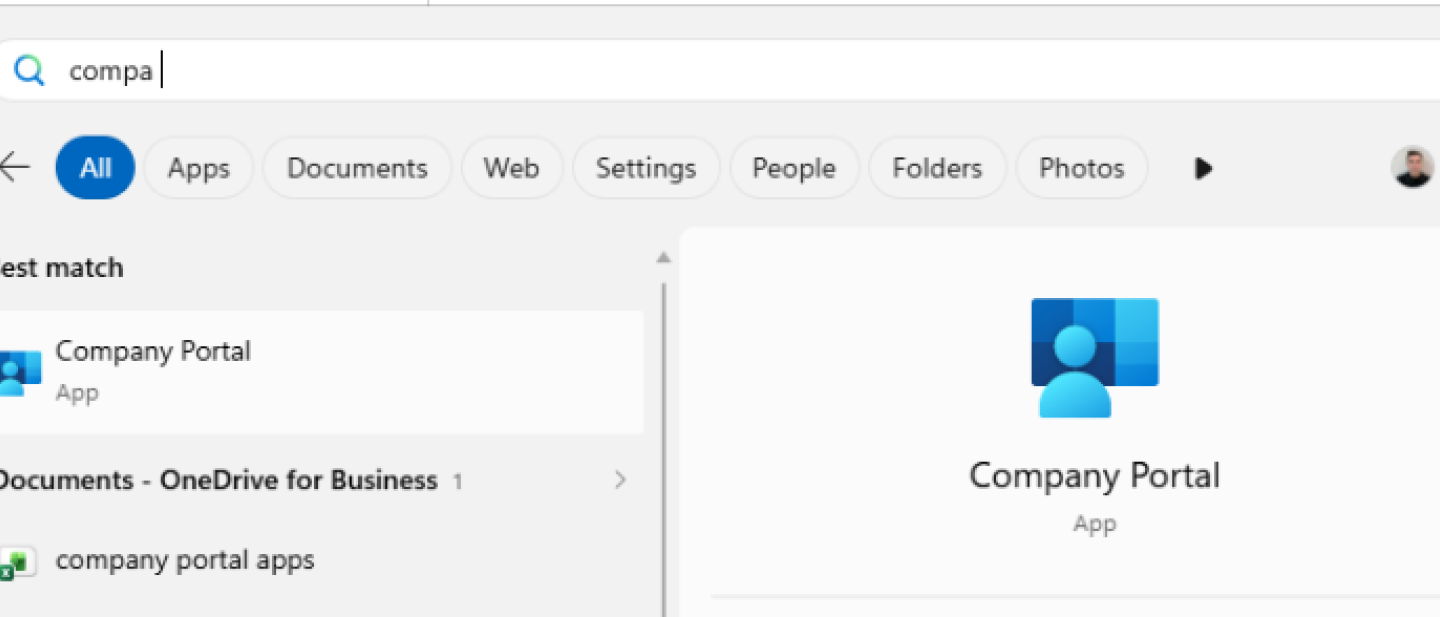
5. Open Windows search again and type 'Company Portal'.
6. Go to 'Settings' and click 'Sync'.
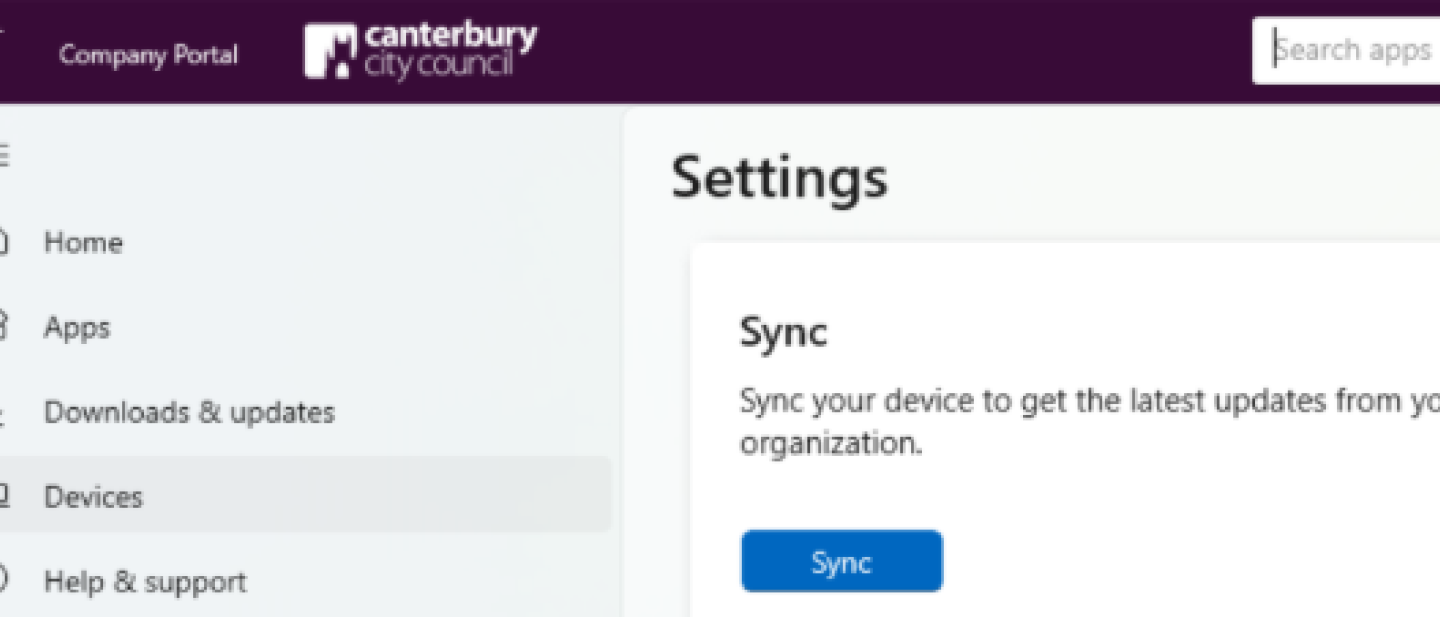
7. Once it has synced, restart your device again.
It can take up to an hour for your device to be marked as compliant again.